
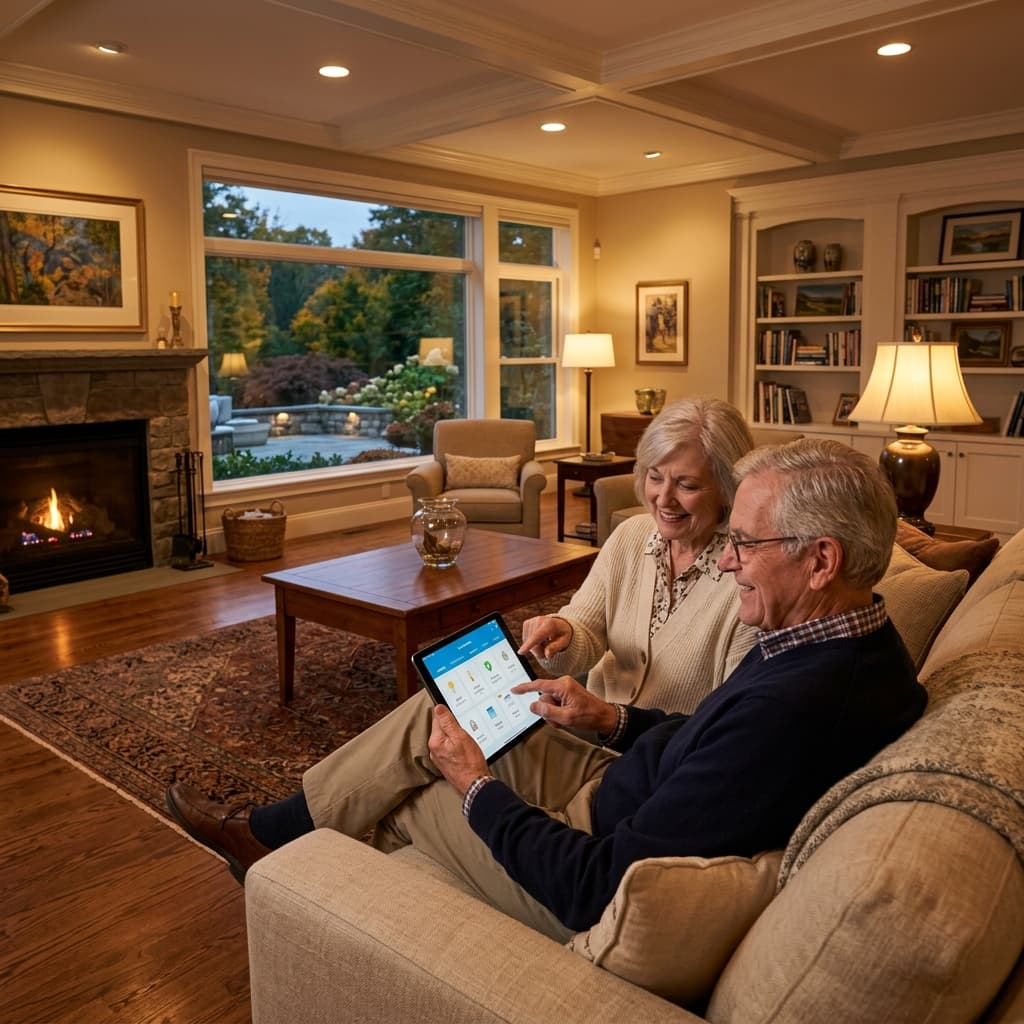
Home Automation That Makes Life Easier to Live
Automation is only valuable if people can actually use it. We focus on simple routines: lights that guide, locks that simplify access, sensors that alert family, and controls that reduce daily friction.
Built Around Safety, Independence, Security, and Resilience
Lighting Automation
Lighting routines can reduce nighttime fall risk and make the home easier to navigate.
- Motion hallway lights
- Night path to bathroom
- Stair lighting
- Voice-controlled lights
- Scheduled lights
- Emergency scenes
Access & Comfort Automation
Locks, thermostats, and routines should support independence without creating confusion.
- Smart lock routines
- Temporary caregiver access
- Smart thermostats
- Room sensors
- Away mode
- Freeze protection
Family Visibility
With consent and privacy-first setup, families can receive useful home status signals without intrusive monitoring.
- Door activity alerts
- Temperature alerts
- Water alerts
- Camera permissions
- Daily home-is-okay signals
- Training and documentation
Packages and Planning Ranges
Every home starts in a different condition. These ranges frame the conversation; the written assessment creates the final project roadmap and exact scope.
Typical planning range across assessment, phased package, and larger transformation options.
Smart Security Starter
$3,500 - $10,000Core lighting, lock, doorbell, and family notification setup.
- Smart hub
- Path lighting
- Smart lock
- Doorbell camera
Family Visibility Package
$7,500 - $20,000Automation and alerts for families supporting someone at home.
- Sensors
- Access codes
- Environmental alerts
- Permissions setup
Smart Home Care Plan
$79 - $249/monthOngoing support for devices, batteries, settings, and family permissions.
- Device checks
- Battery reminders
- Lock/camera review
- Priority support
Planning Before the Project Starts
What smart-home features are most useful for seniors?
The most useful features are usually simple: automatic night path lighting, smart locks with caregiver codes, voice-controlled lighting, thermostat routines, leak/freeze alerts, and family permissions.
How do you keep automation from becoming confusing?
We focus on a small number of reliable routines, document device ownership and permissions, train the client and family, and keep controls easy to understand.
Can automation be part of a larger remodel or power plan?
Yes. Automation works best when lighting, power, Wi-Fi, security, and backup power are considered during the assessment and remodel planning process.
Helpful Next Reads
Electrical Readiness for Aging-in-Place Remodels in Connecticut
Plan safer aging-in-place remodels with better lighting, panel readiness, smart locks, leak/freeze sensors, bathroom safety, and backup power options.
Read guideDecision SupportThe Safer Home Checklist for Connecticut Families
Use this Connecticut safer-home checklist to spot bathroom, entry, lighting, security, automation, electrical readiness, and storm resilience priorities.
Read guideGet a Home Safety, Power & Resilience Roadmap
We document what to do now, next, and later so your family can plan the home around safety, function, security, automation, and storm readiness.
